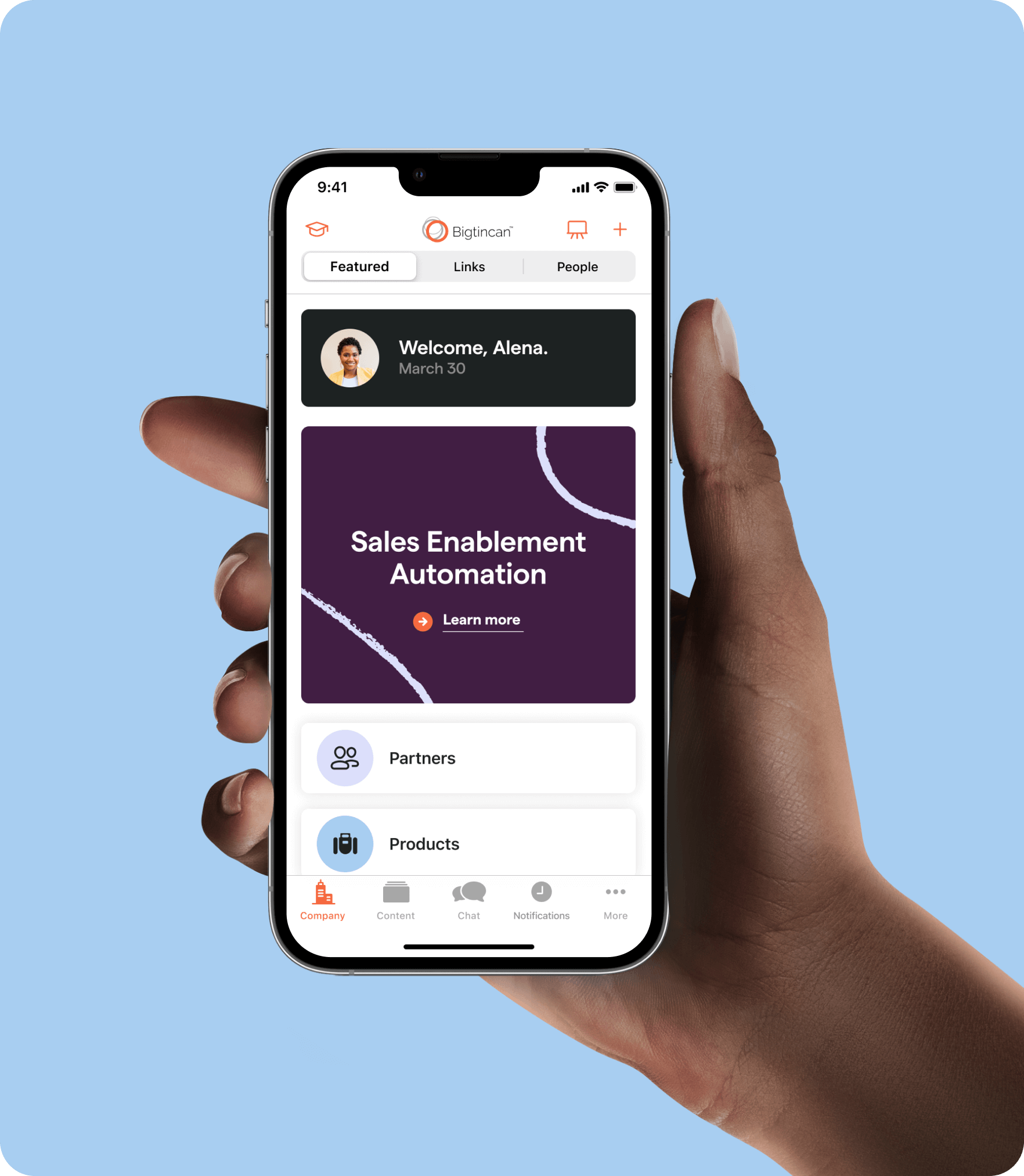
The intranet for the mobile generation

  • Story Style

    Your content presented as a mix of files, text, images, and more all combined into a single story.

  • Multichannel Content

    Your single story presented as a mix of images, text, files, and more all combined into a content.

  • File Reading

    Powerful file reading , including PDF annotations, custom MSoffice readers and more.

  • Outside World

    Publish feeds from the Internet directly to groups of users, take the Internet, filter and send to your team.

A new way of securely delivering enterprise information and content to large number of users on smart devices from the cloud or from your own private server

ContentSense

ContentSense allows content from the PC world to be delivered securely to mobile devices instantly and securely.

DynamicPushCaching

Using DymanicPushCaching makes it totally transparent for users to get their documents delivered securely to their mobile device.

OpenMobilePublisher API

OpenMobilePublisher API enables organizations and third party developers to create their own apps and other webservies that publish content directly to BTCDashboard.

BTCSecure + ShareLock

BTCSecure allows enterprise and government users to maximise their deployment of mobile devices whilst ensuring that the maximum possible security systems are in place to protect secure documents and content.

PublisherApps

Native Windows .NET app and Adobe AIR app running on Windows, Mac OSX and Linux help to make it easy for any user to send their content securely and easily to BTCDashboard.

GroupControl

Associate multiple users and multiple channels to a single group. Have users that move between departmental sections all the time? With GroupControl you just need to move the user from group to group.

MyChannel

MyChannel is a special secure channel setup for publishing of individual documents and content automatically created for each user. MyChannel gives each user their own space within BTCDashboard for delivering their own content to sit next to the content sent to them by their organisation.

ServerDriven

Want to allow some users to be able to send comments on stories, but not others? How about controlling MyChannel naming and access right? Want to setup the right Feeds and Channels for each group? or force users to use a specific device when they login? ServerDriven Setup does it all for you.

Tabbed Content Browser

Tabbed Content Browsing lets you view your channels grouped into the tabs right on the Dashboard. Setup using ServerControl, with Tabbed Content Browsing you can share channels between tabs at the top of the application — and even create your own MyTab — and set channels into the right tab all from a single location — you can even allow your users to set their own tabs and channels on the device side.

Social Feeds

BTCDashboard introduced push syndication of RSS feeds to mobile devices with version 1 - version 2 adds push syndication of social feeds - now you can deliver the right social fees directly to your users without them having to use the own social media accounts to follow.

Multiplatform

BTCDashboard takes the concepts of mobility and the approach to making information easiler to use and extends it to the desktop with BTCDashboard for PC and BTCDashboard for Mac.

Sharepoint Integration

Millions of people use Sharepoint around the world to get access to their business content. Sharepoint allows powerful integrated workflow and simple file listing based systems that integrate into Microsoft structures.

Outlook plug

Now with the BTCDashboard Outlook plug in you can finally easily integrate your Outlook email (and all the attachments you send and receive) into your mobile device instantly and securely.

 
Dashboard Clients